
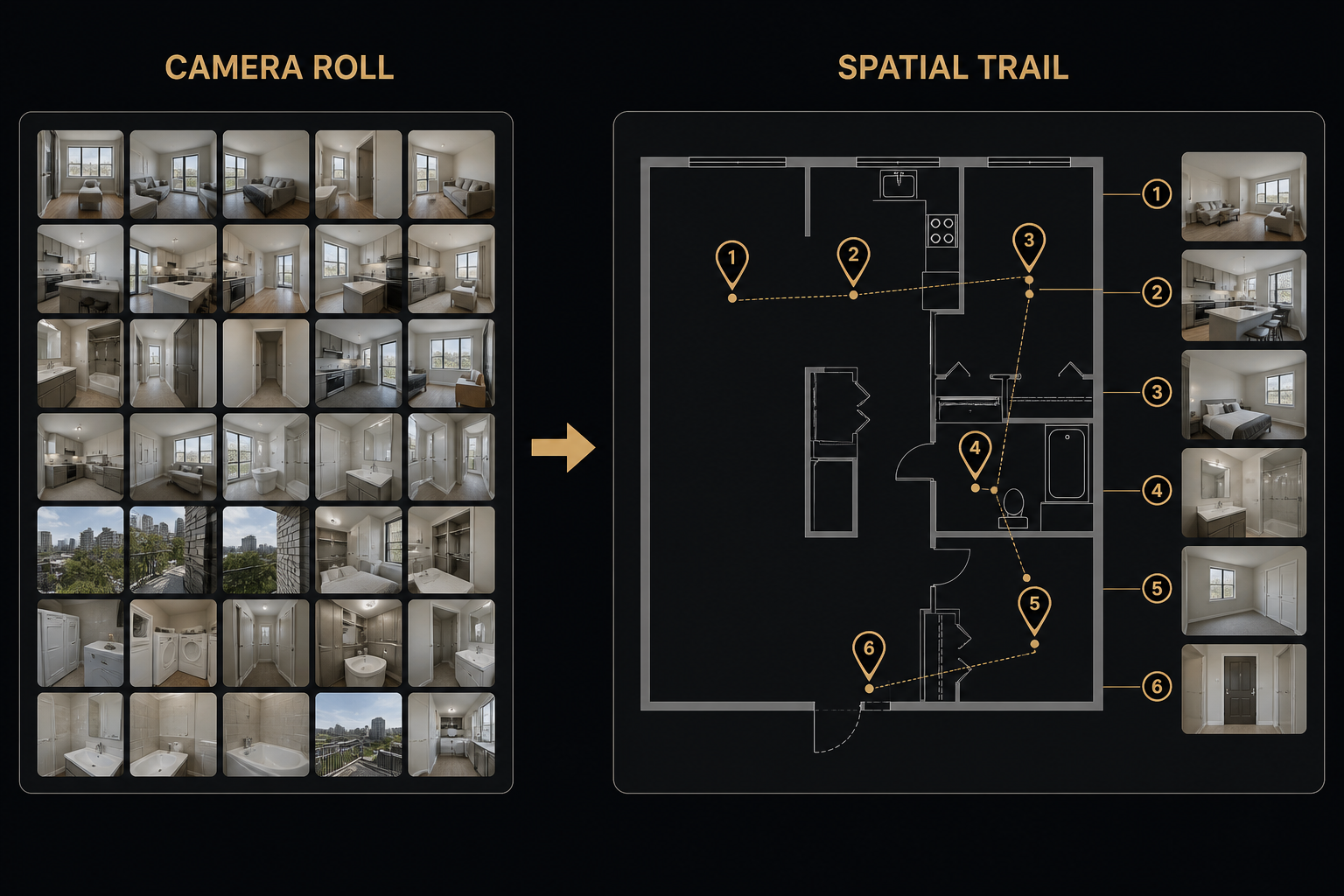
Construction Photo Documentation by Location (Not by Week)
Construction photo documentation fails when the organizing layer is time (“Week 12”) instead of place (“Bedroom 2, north wall”). Supers and clients should not reverse-engineer room context from a chat thread.
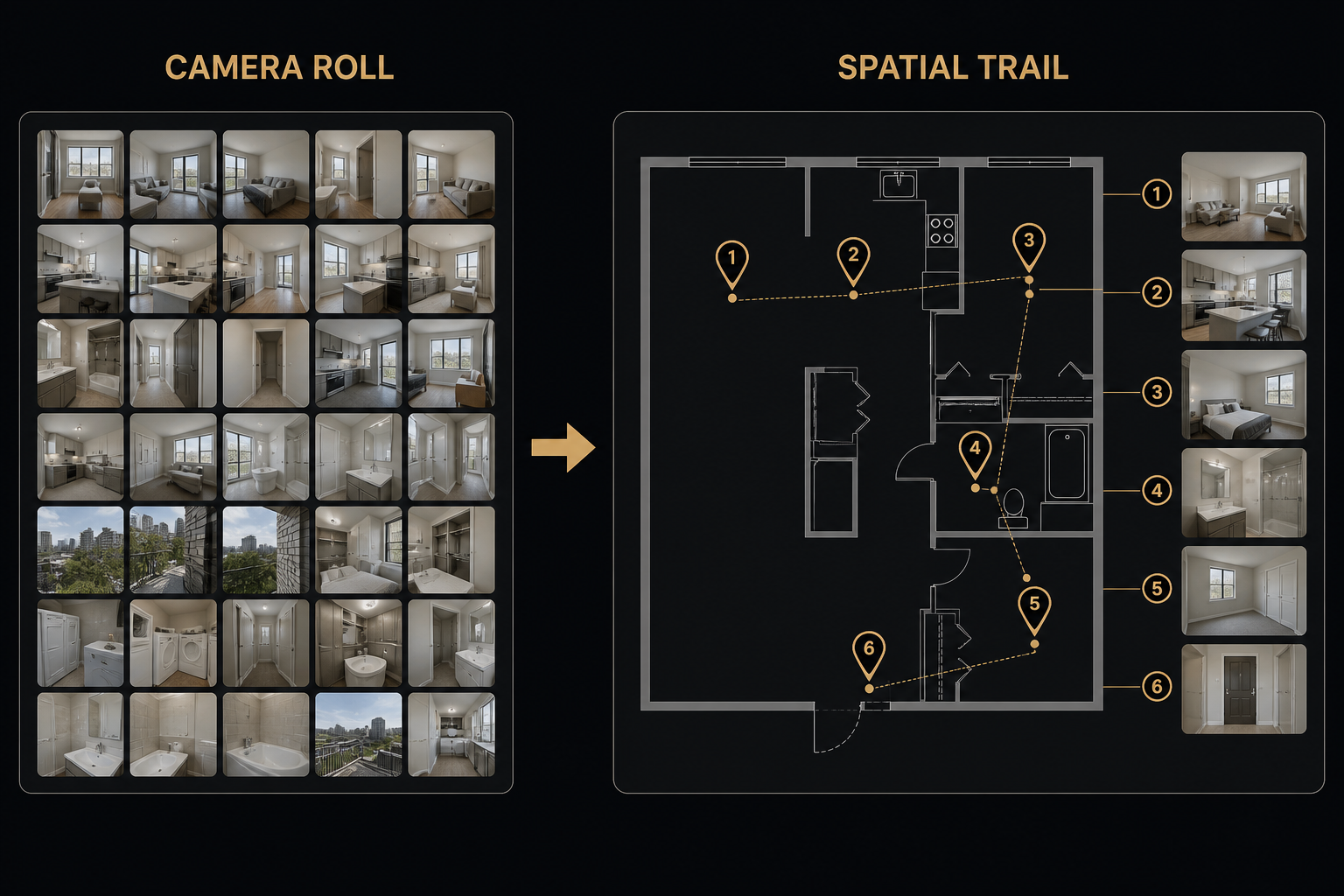
What “by location” looks like
- Progress photos attached to the room or elevation they show
- Punch items pinned where the work lives on the plan
- PDFs (submittals excerpts, manufacturer sheets) at the same waypoints when they apply
- One PDF export that keeps that trail for the client file
How to run it on a job
- Import the floor plan or elevation drawing.
- Place waypoints for active areas and punch zones.
- Pin photos as you walk — not later from a dump of 400 JPEGs.
- Export a construction photo report before the weekly meeting.
Tools
FotoLedger is built for this: construction photo documentation with photos pinned to the plan. See the construction use case and Solutions. When the photos turn into a rebuild schedule, pair them with PHASE.