
The Field Photo Report Checklist: 12 Items Before You Leave the Site
Most documentation failures happen on-site, not at the desk. By the time someone asks "which room was this?", the crew is three jobs down the road. Run this checklist before you leave and the report builds itself.
Before you start shooting
- Get the plan. Floor plan, roof plan, or a quick sketch — any spatial reference beats none. Photograph the plan itself if that's all you have.
- Confirm the address and unit. One wide exterior shot with the address visible anchors the whole set.
- Set your capture path. Walk the loss or the scope in one consistent direction so the photo order tells a story.
At every affected location
- One wide establishing shot per room or zone — before close-ups.
- Close-ups of each condition — damage, moisture, equipment, completed work.
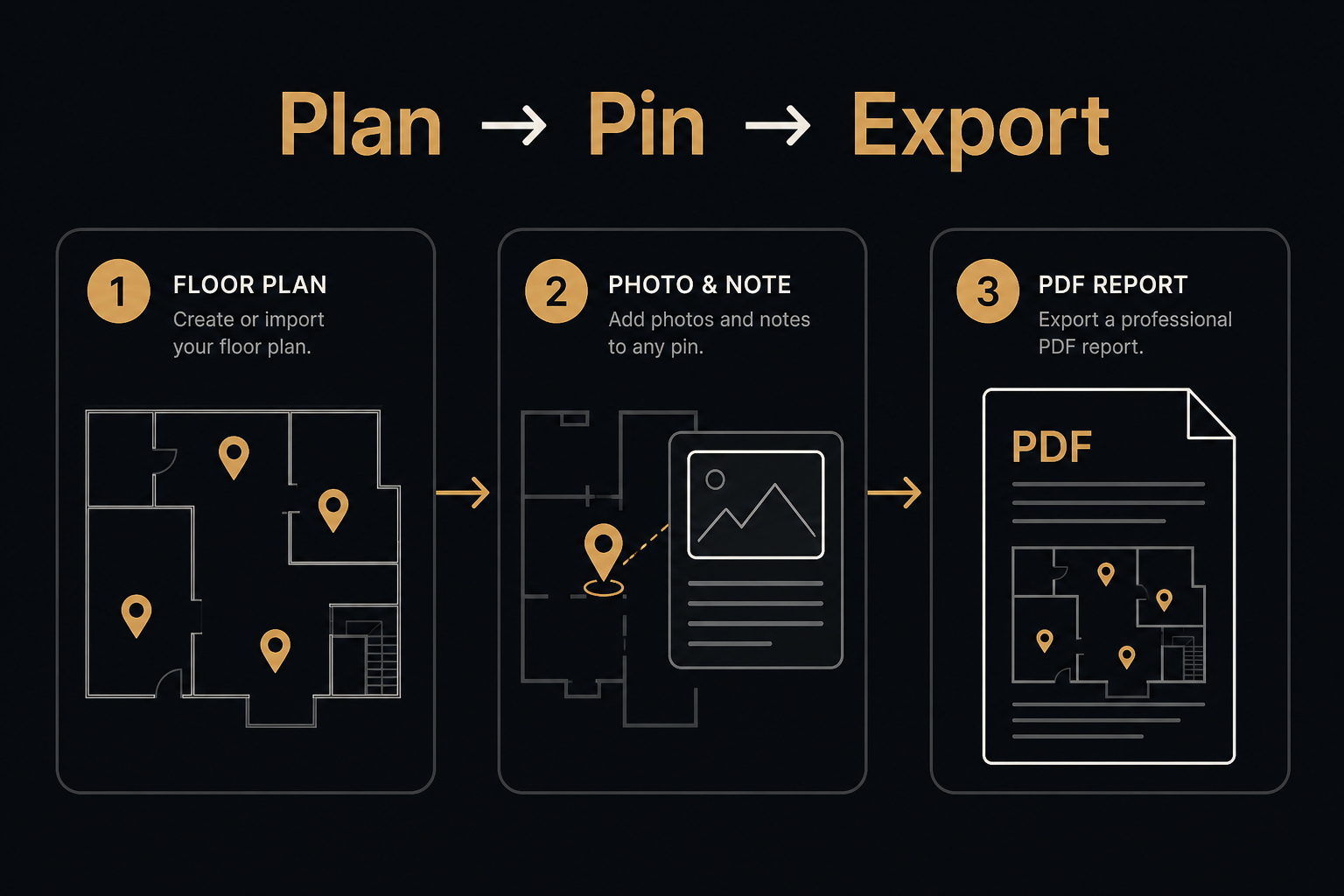
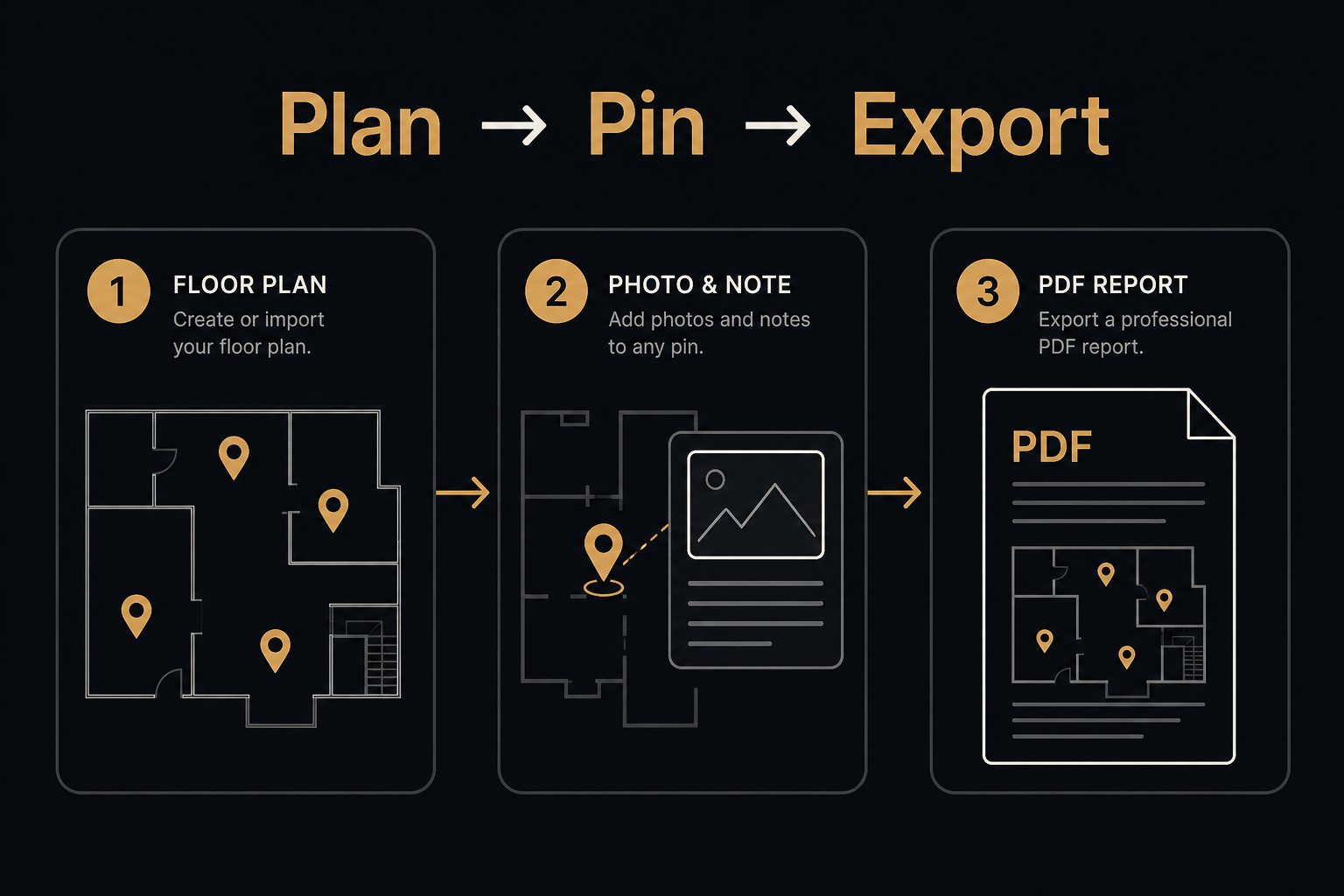
- A location marker for every shot — waypoint on the plan, not just a caption. "Kitchen" is ambiguous in a duplex; a pin on the plan is not.
- Supporting paper at the spot it describes — moisture logs, equipment sheets, and scope notes attached where they apply, not buried in an email thread.
- A short note while you remember — one sentence per waypoint beats a paragraph reconstructed a week later.
Before you leave
- Walk the plan, not the camera roll. Check every marked area has coverage — gaps are cheap to fix while you're still on-site.
- Capture the context shots — exterior elevations, utility locations, access routes. The ones nobody thinks they need until the dispute.
- Timestamp sanity check. Make sure device time and date are right; timestamps carry weight in claims.
- Export or sync before you drive away. A report that exists only on one phone is one drop away from gone.
Make the checklist automatic
This is exactly the workflow FotoLedger was built around: load the plan, drop waypoints, attach photos, PDFs, and notes at each one, and export a client-ready PDF with the spatial trail intact. Local mode is free with no account.
Want help standardizing documentation across your crews? Get in touch — documentation strategy is part of what we do.